
Manual Training in AiFaqChat
Add your own content manually to improve AI responses. Include site info, FAQs, or any other text for training.
Step 1 — Open Manual Training
Access Manual Training from your Dashboard at Training Data.
Step 2 — Add New Training Content
Click the  button to create new content.
A window New Training Content will appear where you can enter text about your site, FAQs, or other information.
button to create new content.
A window New Training Content will appear where you can enter text about your site, FAQs, or other information.
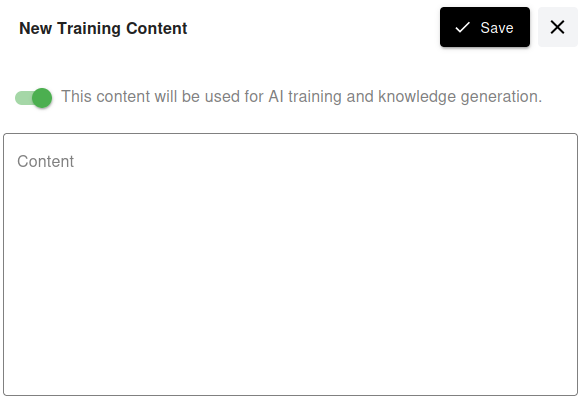
Your AI assistant will use this content for training. You can write in any language — the AI will respond in the same language.